Documentation Index
Fetch the complete documentation index at: https://docs.coffeerms.com/llms.txt
Use this file to discover all available pages before exploring further.
Overview
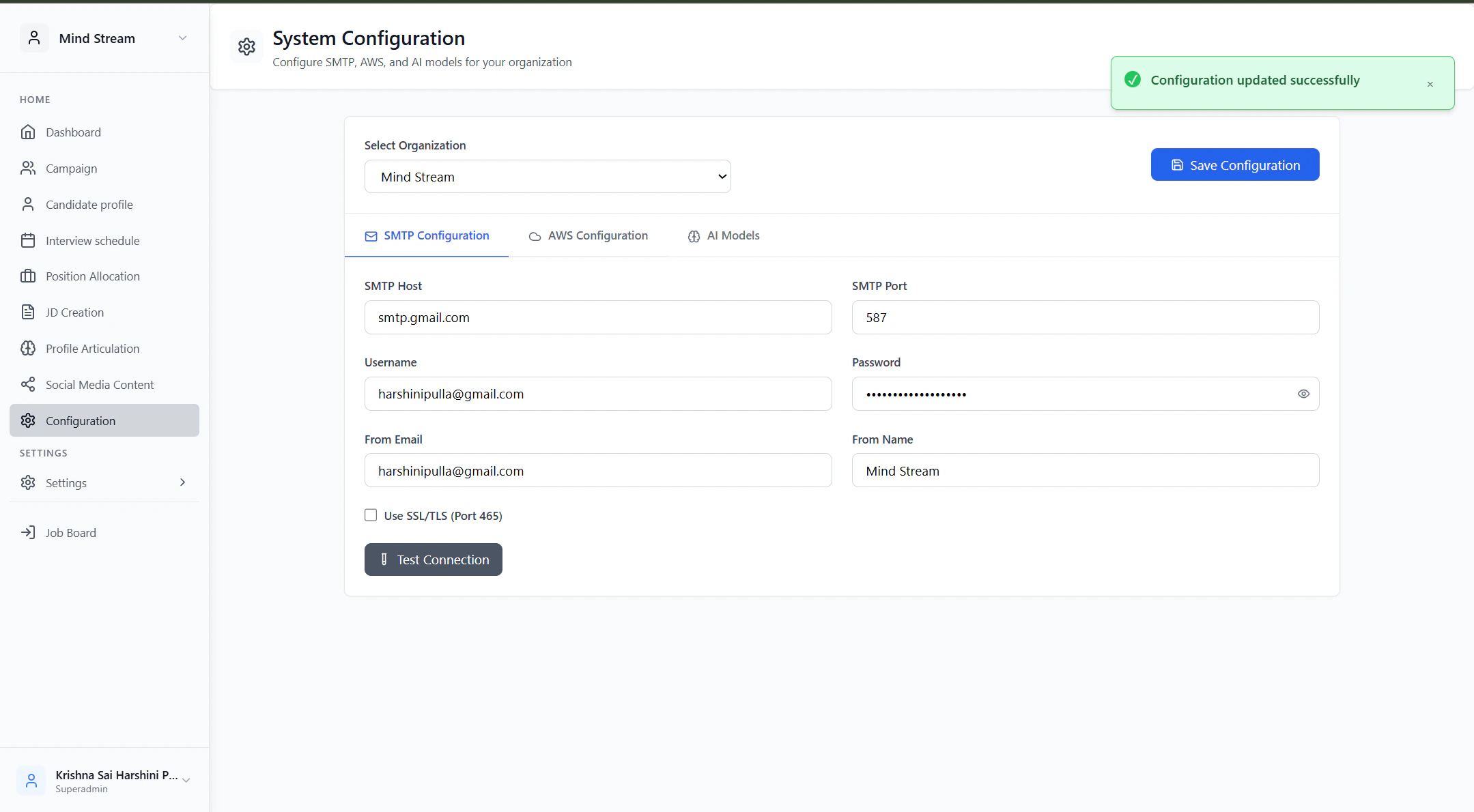
The Configuration Management module centralizes all organization-level system settings required to run CoffeeRMS. It allows administrators to configure Email (SMTP), AWS infrastructure, and AI model providers used across screening, resume parsing (URS), and deep search features. All configurations are stored per organization in a single, versioned Configuration record.Workflow
High-Level Flow
Configuration Management follows a select → configure → validate → save flow.Admins choose an organization, configure integrations and AI models, validate them in real time, and persist settings for use across the entire platform.
Detailed Workflow
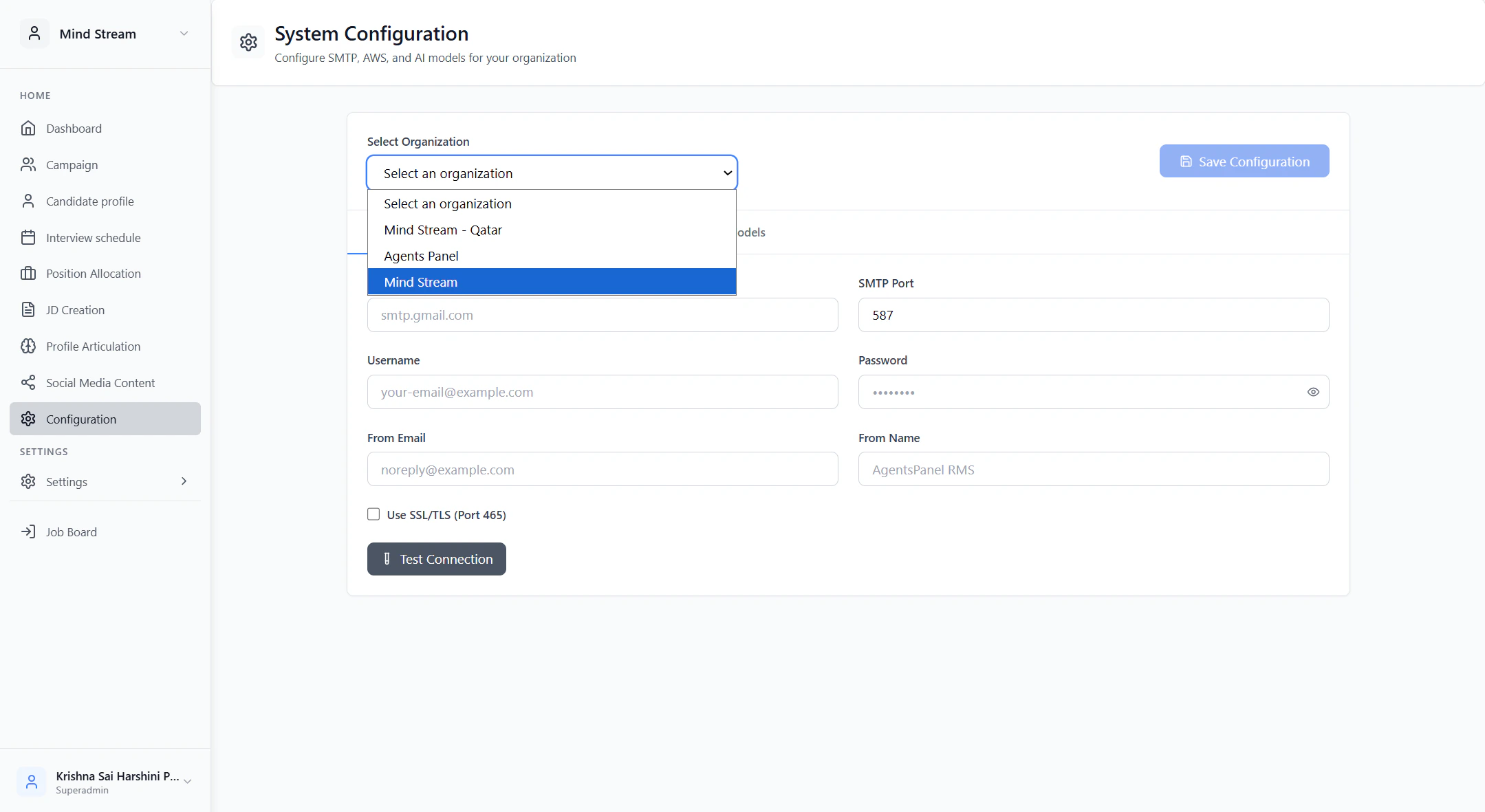
1. Select Organization
- User selects an organization from the dropdown.
- The system loads the existing configuration for that organization.
- If no configuration exists, a new configuration draft is initialized automatically.
2. Configure System Integrations
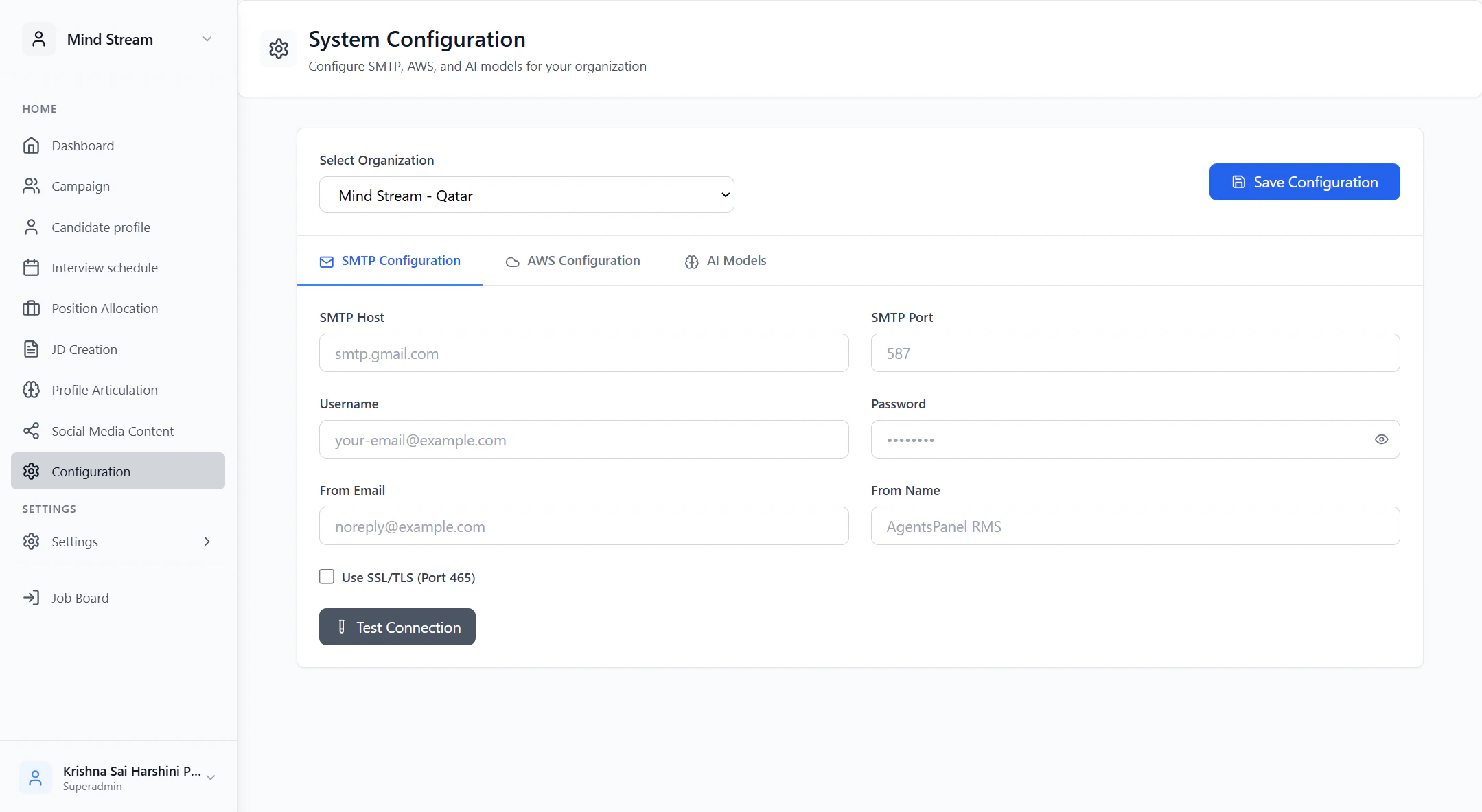
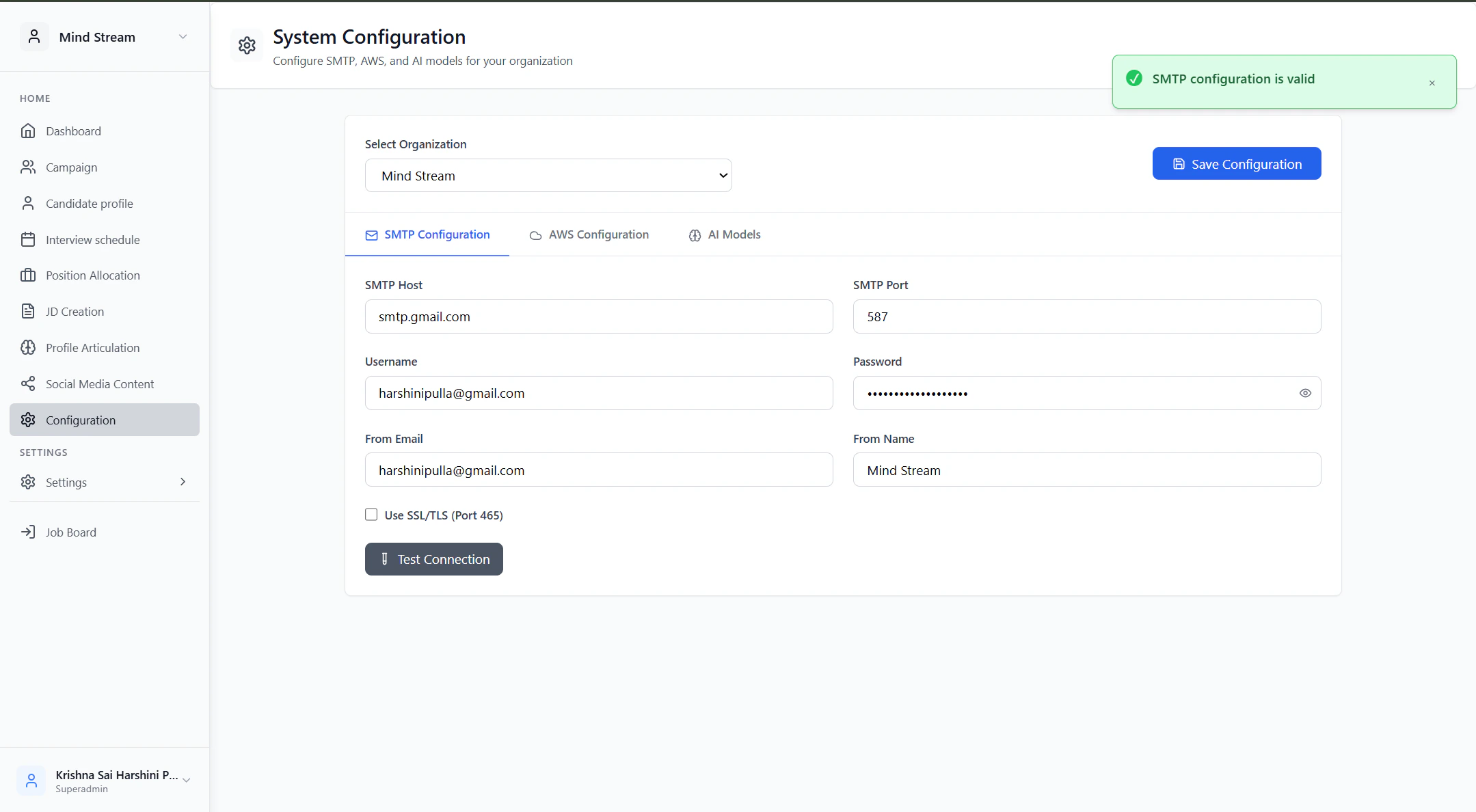
The configuration is edited through three logical sections:SMTP Configuration
- Used for all system emails (candidate emails, interview notifications, confirmations).
- Credentials and sender details are entered.
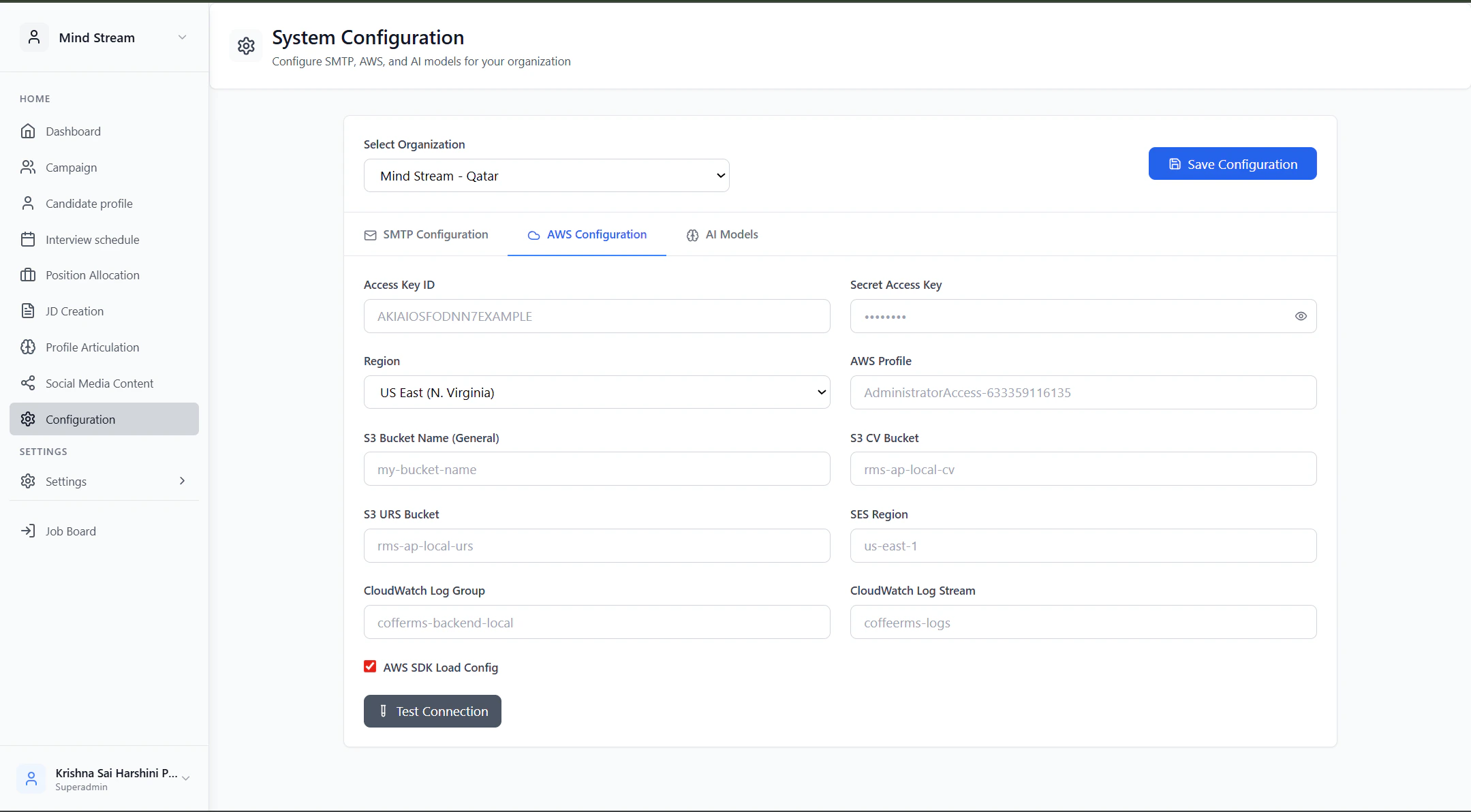
AWS Configuration
- Controls file storage (CVs, URS), email services (SES), and logging (CloudWatch).
- Bucket-level separation ensures structured data handling.
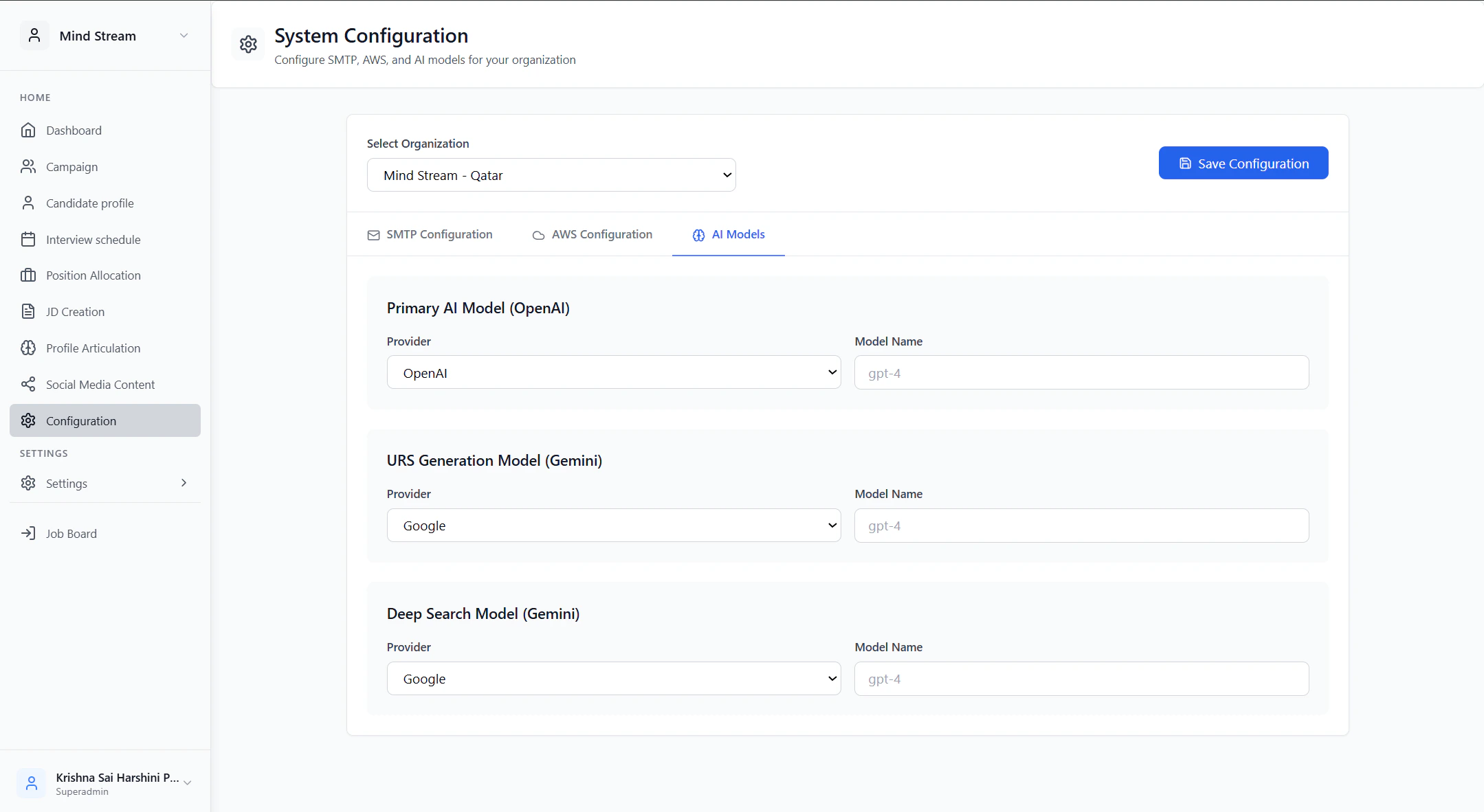
AI Model Configuration
- Defines which AI provider and model to use for:
- Primary AI tasks
- URS generation
- Deep candidate research
3. Validate Connections (Optional but Recommended)
- Admin can test SMTP credentials.
- Admin can test AWS access and permissions.
- Validation ensures integrations work before saving.
4. Save Configuration
- If configuration exists → it is updated.
- If not → a new configuration is created.
- On success, the configuration becomes active immediately across the system.